
If I’ve Registered an Account, Why Does my 4iE Still Have an ‘!’ on the Screen?
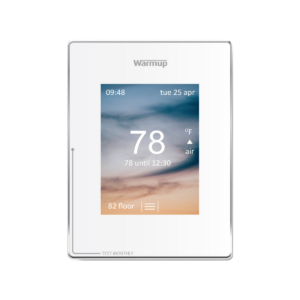
There could be a few reasons why you thermostat is giving you a ‘!’ symbol.
Make sure your 4iE is updated and running on the latest software. Please reset your 4iE (found in the settings menu, under advanced settings). Once it’s reconnected please contact us with your device number, email address and thermostat name to confirm you have the latest software.
It could also mean that your thermostat is connected to the internet but you have not registered the device as a room on the myheating app or the my.warmup portal. In this instance, you will need to gather your 4iE’s device number and enter a room at your location on your profile.
For more information, refer to the installation and operating manual.