
What does the ‘!’ mean on my 4iE Screen?
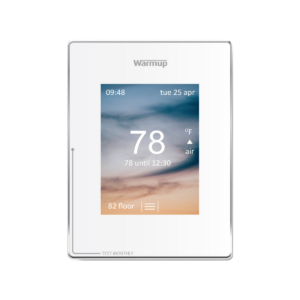
When your thermostat shows an ‘!’, this usually means that you haven’t yet registered the actual thermostat under your location as a room. Please make sure you have added a room, which requires you to enter the thermostat’s unique device number to fully register.
To do so, log into your My Heating Account. Once logged in, select the plus sign on the bottom right corner of the screen under your location. Then fill in the information about the room your 4iE device will be heating.
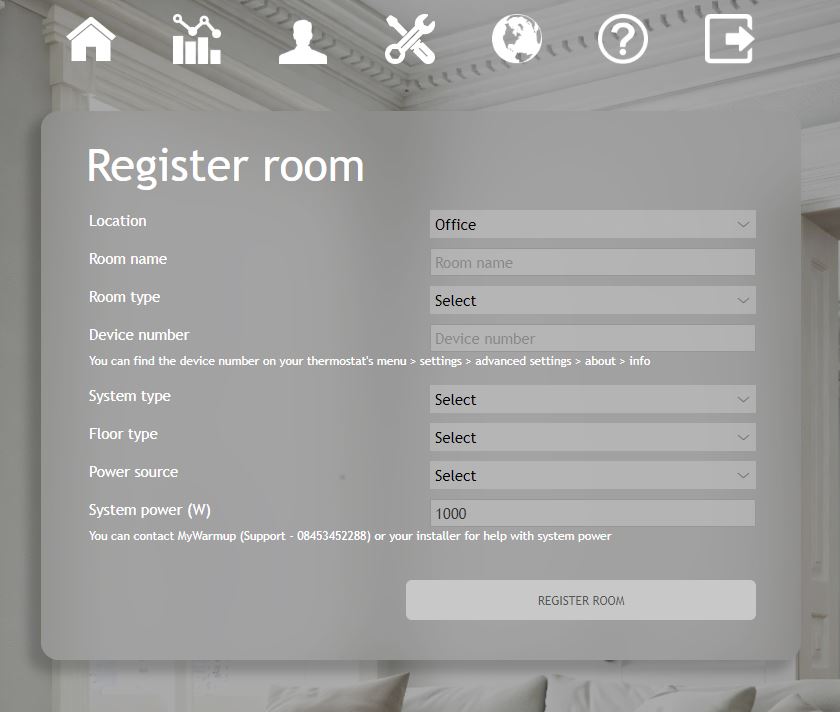
Once all the information is filled out, select ‘Register Room’. After a few minutes, the ‘!’ symbol should disappear from your thermostat screen and you can now monitor and control your thermostat from the portal or app. Please refer to the 4iE manual for further information.
For instructions on how to add a room directly from the app, see the video tutorial below.