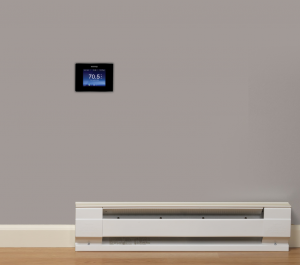
How do I turn off the Backlight on my 4iE Thermostat?
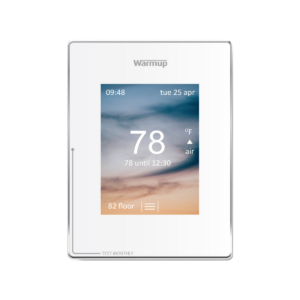
You can go to display brightness to change the brightness settings.
If your 4iE thermostat is installed in your bedroom, the backlight from the unit may prevent you from falling asleep.
Follow these steps to turn off the backlight feature: Menu > Settings > Display/Audio > Display Brightness > Standby set to ‘0’ > Accept
This will ensure that when the screen has not been in use for 60 seconds, it will no longer illuminate. To turn off or illuminate the screen manually, simply press the on/off button. This is located on the bottom of the chrome surrounding the thermostat display.
Here is a video we hope will help:
Subscribe to our YouTube channel here.
Please consult your manual for further assistance with settings and programming.