
Why is my 4iE Showing an ‘!’ on the Screen?
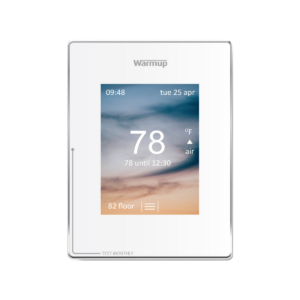
If your 4iE thermostat is showing an exclamation point on the home screen above internet bars this indicates that the device has not yet been registered.
If you need assistance registering your thermostat you can follow along to the below video or continue reading.
Subscribe to our YouTube channel here.
Registering your thermostat unit will allow for you to access the unit remotely and it will also get rid of the internet bars with exclamation point symbol from the home screen.
The first step to registering a thermostat is visiting the My Heating Website or downloading the My Heating app. Once you have successfully set up an account and set up your location, you will be able to add a room. To do so, log into your my.warmup account. Once logged in, select the plus sign on the bottom right corner of the screen under your location. Then fill in the information pertaining to the room your 4iE device will be heating.
Please make sure you have added a room, which requires you to enter the thermostats unique device number to fully register.
If you have done all of this and still see the internet bars with an exclamation point, read more here.