
What is System Power on my 4iE and how can I edit it?
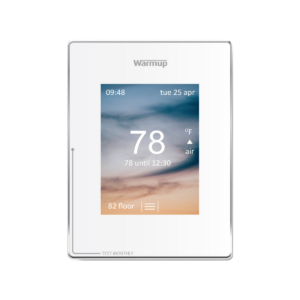
System Power is requested during the initial setup of your device. System power is simply the wattage of the heating system that you connect to your thermostat. This information is used for energy monitoring feedback and does not impact thermostat function.
To set your systems power select the following: Menu > energy monitor > power settings > select the wattage using the up and down arrows > accept.
Refer to the below video for a demonstration.
Subscribe to our YouTube channel here.
Note: Once your 4iE has connected to Wi-Fi, you will only be allowed to update this setting through the my.warmup portal by deleting the room/device and re-adding with the correct wattage.