
Get Pricing
Back to product page

How do I set the time and date on the 4iE?
1 min read · Updated Mar 2020
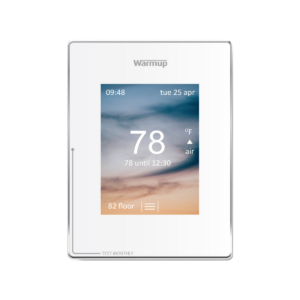
4iE Smart WiFi Thermostat

Setting the time and date on your 4iE is important for proper program function. Follow along with the below video or instructions to set yours.

Select the 3 lines to display your main menu. On the main menu select:

  1. Settings
  2. Time
  3. Set time
  4. Move to time accept
  5. Select set date
  6. Move to date
  7. Press accept
  8. Go back to the home screen and confirm that changes have been made successfully
Quoting Tools: instant, accurate, flexible

Warmup offers an extensive range of electric floor systems compatible with all floor types, rooms and projects.

ⓘ Enter your first name.
ⓘ Enter your last name.
ⓘ Enter your phone number.
ⓘ Enter your postal code.
ⓘ Please enter a valid email address.
ⓘ Select at least one option.
Select a file or move here
Scroll to Top