
How to Set Up a Program Using the MyHeating App
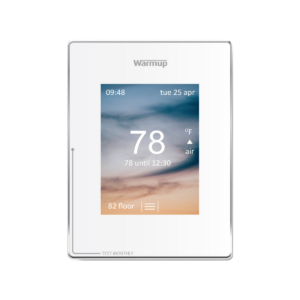
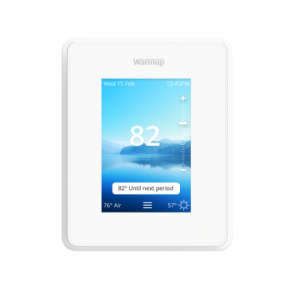
Set Up MyHeating App After Registering your Profile and Device
Once your profile and 6iE/4iE are registered, you can now set up or edit a program through the MyHeating App.
First, you select “Program” and then “Edit Program” and select the days you would like to set a program for. Press “Edit Selected Days” and then using the Easy Programming Language, simply enter how you would like your system to run throughout the day. Then, press “Done” followed by “Save Program” to lock it in.
Note: You can set multiple different programs for different days. Refer to the video below for further guidance.