
Why is my thermostat screen going dark?
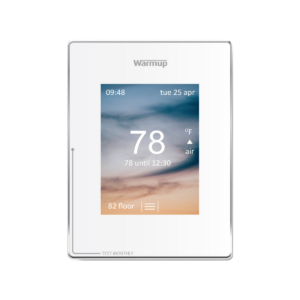
This is most likely related to your brightness settings.
Similar to a smartphone or tablet, Warmup thermostats have a standby brightness setting that defaults to dimming the screen when the device is not in use.
To manage your normal brightness and standby brightness settings, simply select the lock on your screen if it is present, select the 3 lines, settings, display/audio, and display brightness. Once here, you can use the up and down arrows on each side to navigate to your desired settings.
For more videos subscribe to our YouTube channel.