
What is the lock icon on the 4iE Smart Thermostat?
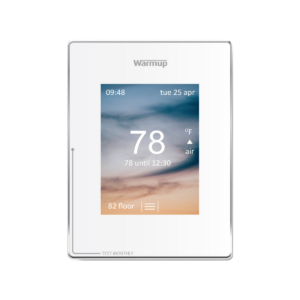
The lock icon on the 4iE Smart Thermostat represents that the thermostat has gone into standby mode. It will show at the bottom center of your thermostat.
Subscribe to our YouTube Channel
If you’d like to understand the lock icon on the 4iE Smart Thermostat, read the list below or watch the video included.
- If you do not press any button for 1 minute the 4iE screen will dim and go into standby.
- To wake the 4iE just tap the screen or press the lock icon.
- Interact with the screen, and your thermostat will light back up and be ready for use.