
How to Remove the Faceplate from your 7iE Thermostat
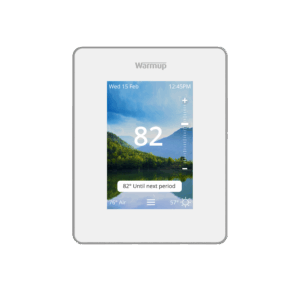
The faceplate of your 7iE Thermostat can be removed by inserting a small flathead screwdriver into the hole at the bottom of the faceplate, pushing up, and pulling off from the bottom.
Video Instructions
The video below will show you how to remove the faceplate from your 7iE Thermostat:
Written Instructions
To remove the faceplate, you will need a thin flathead screwdriver.
On the bottom of the thermostat, there is a small, thin hole. Insert the screwdriver into the hole and push up. At the same time, grab the thermostat faceplate and pull from the bottom of the thermostat away from the wall.
Note that the first time you remove the faceplate from the back of the thermostat, it may take some force to remove it. This is normal.
Contact Us for Further Assistance
For more 7iE Instructional Videos, check out our playlist on YouTube.
If you have any additional questions or concerns, please don’t hesitate to reach out to us. Our support team is available to assist you and address any inquiries you may have. To access our support services, simply call us at (888) 927-6333.