
How to Fix the ER1 Error on a 7iE Thermostat
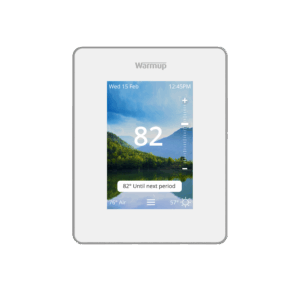
An ER1 Error message indicates that the thermostat is not sensing that the floor probe is properly attached to the back of the thermostat.
Video Instructions
The video below will visually walk you through how to resolve the ER1 Error on your 7iE Thermostat:
Written Instructions
Warmup recommends that a qualified electrician perform the following steps.
Start by turning off the power to your thermostat at the breaker and removing the faceplate from the thermostat backing.
With the faceplate off, remove the 2 screws that are holding the thermostat backing to the mounting box in the wall and then take the thermostat backing out of the mounting box.
On the back of the thermostat, there is a green section with 3 terminals for the floor probe to be installed. If you are receiving an ER1 message on your thermostat, the floor probe was likely either 1) not installed or 2) was not wired tight enough into the ports and came loose.
To properly wire the floor probe to the thermostat, put 1 of the 2 wires into port P1 and the other into port PC. There is no polarity, so the color placement does not matter. Then, use a screwdriver to tighten the screws above ports P1 and PC to secure the wires to the thermostat.
Finally, reassemble the thermostat. If the ER1 Error persists, take resistance readings of the sensor wire to ensure it is not damaged. Alternatively, you can swap the thermostat to control heat based on the air temperature, instead.
For Further Assistance
For more 7iE Instructional Videos, check out our playlist on YouTube.
If you have any additional questions or concerns, please don’t hesitate to reach out to us. Our support team is available to assist you and address any inquiries you may have. To access our support services, simply call us at (888) 927-6333.