
ER1 on the Thermostat Meaning
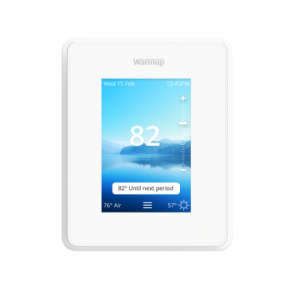
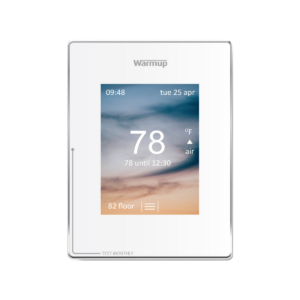
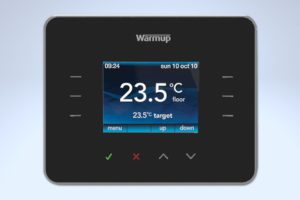
Getting an ER1 Message? When the thermostat displays an ER1 message, make sure that the floor sensor is connected to the correct terminals at the back of the thermostat and has not come loose.
If the floor sensor is in the correct terminals, an electrician will need to check the resistance of the floor sensor using a multi meter set to 20k Ohms to check for floor sensor damage. A fault is indicated when the reading on the sensor is incorrect.
6iE:
4iE:
Subscribe to our YouTube channel here.
There is another reason this error message will display. The floor sensor lacks connection to the thermostat. Your electrician must secure the sensor probe wires are connected in ports 1 and 2 of the thermostat. Program your thermostat to read the air temperature instead by following the steps below:
3iE: Menu > Settings > Set Heating Target > Target Air Temperature
4iE: Menu > Settings > Heating Preference > Control/Air Floor > Air > Accept
With Wi-Fi thermostats, change online via the My.Warmup.com account.